Alternative text (commonly referred to as “alt text”) is a brief description of a digital image that helps improve web accessibility and enhances search engine optimization (SEO).
Alt text allows users who are visually impaired or color-blind to understand images through assistive technology like screen readers that read the alt text aloud. It is essential for compliance with the WCAG and other accessibility standards.
Google and other search engines also analyze alt text to understand and rank image content, making it a critical part of accessible navigation. In addition, alt text provides context when images fail to load on websites.
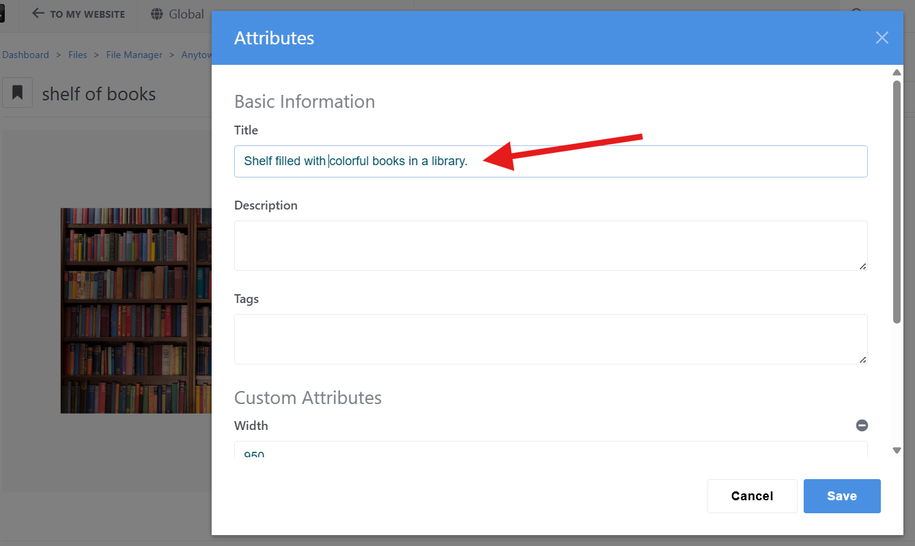
After uploading an image to your website’s File Manager, double click the image to open the image details.
Click the Edit button in the Attributes section, then click Edit Attributes in the drop down.
Add the alt text in the Title field of the image. (Concrete5 will default to the title for the alt text field when placing an image in most blocks.)
Click Save and publish changes.
Add Alt Text to an Image Block
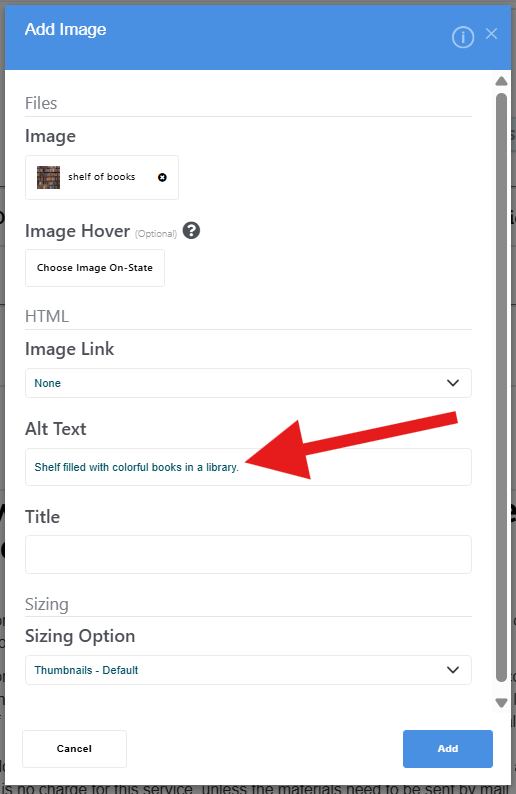
In Concrete5, image content blocks require adding alt text manually (the image title does not automatically default to the alt text).
After adding the image content block to where you want it on the webpage and the Add Image window appears, look for the Alt Text field, enter the alt text for the image and click Add.